 Efekan
550f18b050
Efekan
550f18b050
## Problem

When users set up two-factor authentication (TOTP) in the dashboard, the
enrollment modal asks them to name their authenticator app, with the
placeholder suggesting `e.g.: Google Authenticator`. Many users keep or
type this example name without realizing it is simply a custom nickname
for the factor.

On the sign-in MFA screen (`SignInMfaForm.tsx`), the code input
previously rendered its label as:
> `Code generated by Google Authenticator`

This phrasing can lead users to believe that Supabase has locked their
account specifically to Google's authenticator app—even when they
actually scanned the QR code with Apple Passwords / iOS Keychain,
1Password, or Bitwarden. As reported in #51502, users who rely on their
iPhone's built-in authenticator can get alarmed, thinking their
authentication setup was unexpectedly swapped.

Furthermore, if a user is genuinely locked out (e.g. lost device and
backup codes), the "Email support" option previously only surfaced after
an explicit authentication exception occurred, rather than being readily
discoverable under the *"Unable to sign in?"* help section.

Closes #51502

## Solution

1. **Clear, standard form label & descriptive subtext**:
- Replaced the ambiguous `Code generated by [Friendly Name]` label with
a standard `Authentication code` label.
   - Moved the factor's friendly name into the field description:
- When a name is configured: `From the authenticator app registered as
[Friendly Name]`
- Fallback when no name is set: `From the authenticator app registered
to this account`
- This makes it immediately obvious that `[Friendly Name]` is just the
custom label they chose, rather than a hard vendor requirement.

2. **Direct support escape hatch**:
- Added an **"Email support to regain access"** link directly into the
*"Unable to sign in?"* list in both `SignInMfaForm` and
`SignInRecoveryCodeForm`.
- Users who are stuck now have an immediate, obvious way to reach out
without needing to trigger errors or hunt down the support email.

3. **Extracted testable helper logic**:
- Extracted friendly-name normalization and support mailto generation
into a dedicated `SignInMfa.utils.ts` module.
- Added unit test coverage in `SignInMfa.utils.test.ts` (9 tests
covering trims, null/empty cases, and mailto parameters).

## Review instructions

1. Navigate to `/sign-in-mfa` (with an account that has a TOTP factor
enrolled).
2. Verify that the input label reads `Authentication code`.
3. Check the subtext: verify that it clarifies `From the authenticator
app registered as [Name]`.
4. Inspect the *"Unable to sign in?"* section at the bottom:
- Confirm that "Email support to regain access" is visible and opens a
pre-addressed email to `support@supabase.com` with subject `Unable to
sign in via MFA`.
5. Check `/sign-in-recovery-code` and verify the same support link is
present.

## Checklist

- [x] I have read
[CONTRIBUTING.md](https://github.com/supabase/supabase/blob/master/CONTRIBUTING.md)
- [x] Unit tests added and passing (`vitest run
components/interfaces/SignIn/SignInMfa.utils.test.ts`)
- [x] Code passes Prettier formatting check
- [x] Code passes ESLint without adding warnings


Supabase
Supabase is the Postgres development platform. We're building the features of Firebase using enterprise-grade open source tools.
- Hosted Postgres Database. Docs
- Authentication and Authorization. Docs
- Auto-generated APIs.
- Functions.
- File Storage. Docs
- AI + Vector/Embeddings Toolkit. Docs
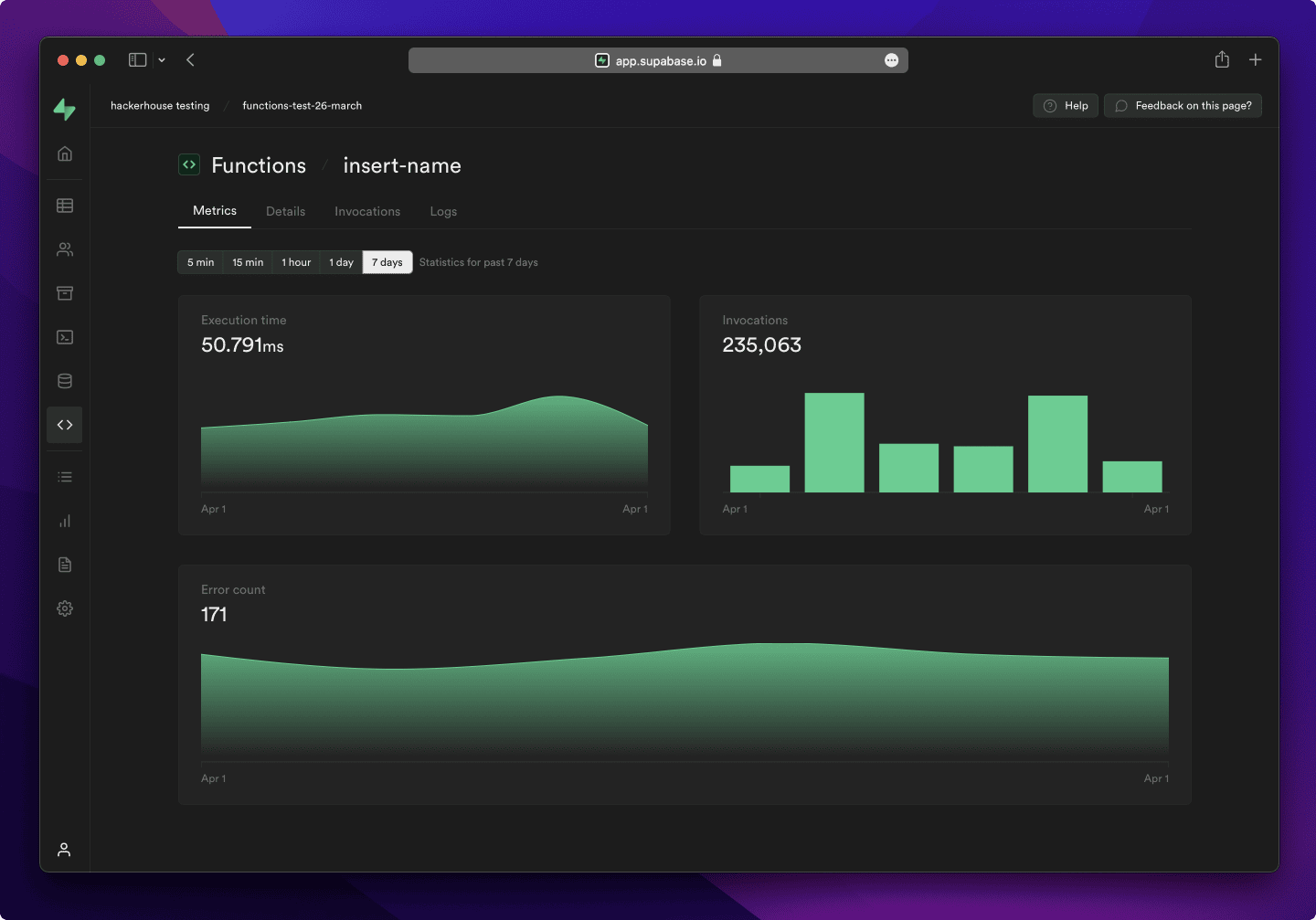
- Dashboard
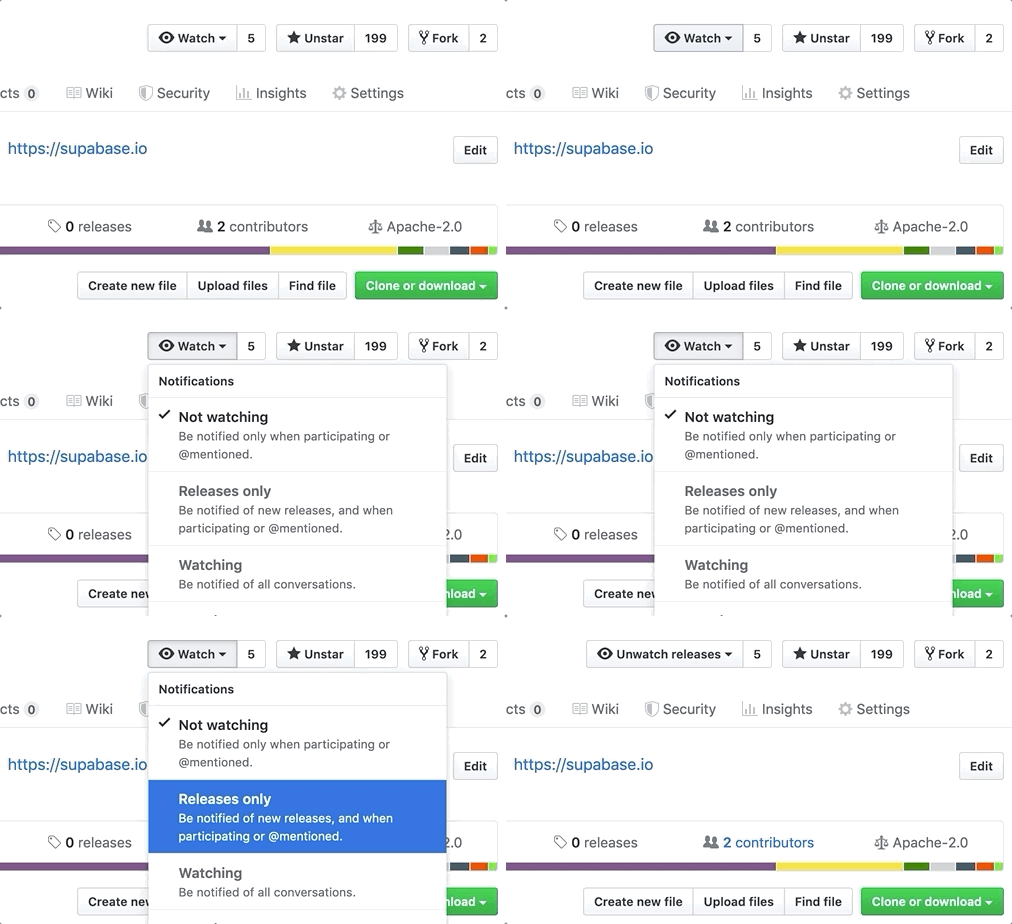
Watch "releases" of this repo to get notified of major updates.
Documentation
For full documentation, visit supabase.com/docs
To see how to Contribute, visit Getting Started
Community & Support
- Community Forum. Best for: help with building, discussion about database best practices.
- GitHub Issues. Best for: bugs and errors you encounter using Supabase.
- Email Support. Best for: problems with your database or infrastructure.
- Discord. Best for: sharing your applications and hanging out with the community.
How it works
Supabase is a combination of open source tools. We’re building the features of Firebase using enterprise-grade, open source products. If the tools and communities exist, with an MIT, Apache 2, or equivalent open license, we will use and support that tool. If the tool doesn't exist, we build and open source it ourselves. Supabase is not a 1-to-1 mapping of Firebase. Our aim is to give developers a Firebase-like developer experience using open source tools.
Architecture
Supabase is a hosted platform. You can sign up and start using Supabase without installing anything. You can also self-host and develop locally.

- Postgres is an object-relational database system with over 30 years of active development that has earned it a strong reputation for reliability, feature robustness, and performance.
- Realtime is an Elixir server that allows you to listen to PostgreSQL inserts, updates, and deletes using websockets. Realtime polls Postgres' built-in replication functionality for database changes, converts changes to JSON, then broadcasts the JSON over websockets to authorized clients.
- PostgREST is a web server that turns your PostgreSQL database directly into a RESTful API.
- GoTrue is a JWT-based authentication API that simplifies user sign-ups, logins, and session management in your applications.
- Storage a RESTful API for managing files in S3, with Postgres handling permissions.
- pg_graphql a PostgreSQL extension that exposes a GraphQL API.
- postgres-meta is a RESTful API for managing your Postgres, allowing you to fetch tables, add roles, and run queries, etc.
- Envoy is a cloud-native, high-performance edge and service proxy.
Client libraries
Our approach for client libraries is modular. Each sub-library is a standalone implementation for a single external system. This is one of the ways we support existing tools.
| Language | Client | Feature-Clients (bundled in Supabase client) | ||||
|---|---|---|---|---|---|---|
| Supabase | PostgREST | GoTrue | Realtime | Storage | Functions | |
| ⚡️ Official ⚡️ | ||||||
| JavaScript (TypeScript) | supabase-js | postgrest-js | auth-js | realtime-js | storage-js | functions-js |
| Flutter | supabase-flutter | postgrest | supabase_auth | supabase_realtime | supabase_storage | supabase_functions |
| Swift | supabase-swift | postgrest-swift | auth-swift | realtime-swift | storage-swift | functions-swift |
| Python | supabase-py | postgrest-py | gotrue-py | realtime-py | storage-py | functions-py |
| 💚 Community 💚 | ||||||
| C# | supabase-csharp | postgrest-csharp | gotrue-csharp | realtime-csharp | storage-csharp | functions-csharp |
| Go | - | postgrest-go | gotrue-go | - | storage-go | functions-go |
| Java | - | - | gotrue-java | - | storage-java | - |
| Kotlin | supabase-kt | postgrest-kt | auth-kt | realtime-kt | storage-kt | functions-kt |
| Ruby | supabase-rb | postgrest-rb | - | - | - | - |
| Rust | - | postgrest-rs | - | - | - | - |
| Godot Engine (GDScript) | supabase-gdscript | - | - | - | - | - |
Badges

[](https://supabase.com)
<a href="https://supabase.com">
  <img
    width="168"
    height="30"
    src="https://supabase.com/badge-made-with-supabase.svg"
    alt="Made with Supabase"
  />
</a>

[](https://supabase.com)
<a href="https://supabase.com">
  <img
    width="168"
    height="30"
    src="https://supabase.com/badge-made-with-supabase-dark.svg"
    alt="Made with Supabase"
  />
</a>
Translations
- Arabic | العربية
- Albanian / Shqip
- Bangla / বাংলা
- Bulgarian / Български
- Catalan / Català
- Croatian / Hrvatski
- Czech / čeština
- Danish / Dansk
- Dutch / Nederlands
- English
- Estonian / eesti keel
- Finnish / Suomalainen
- French / Français
- German / Deutsch
- Greek / Ελληνικά
- Gujarati / ગુજરાતી
- Hebrew / עברית
- Hindi / हिंदी
- Hungarian / Magyar
- Nepali / नेपाली
- Indonesian / Bahasa Indonesia
- Italiano / Italian
- Japanese / 日本語
- Korean / 한국어
- Lithuanian / lietuvių
- Latvian / latviski
- Malay / Bahasa Malaysia
- Norwegian (Bokmål) / Norsk (Bokmål)
- Persian / فارسی
- Polish / Polski
- Portuguese / Português
- Portuguese (Brazilian) / Português Brasileiro
- Romanian / Română
- Russian / Pусский
- Serbian / Srpski
- Sinhala / සිංහල
- Slovak / slovenský
- Slovenian / Slovenščina
- Spanish / Español
- Simplified Chinese / 简体中文
- Swedish / Svenska
- Thai / ไทย
- Traditional Chinese / 繁體中文
- Turkish / Türkçe
- Ukrainian / Українська
- Vietnamese / Tiếng Việt
- List of translations