 Danny White
37fb536e6c
Danny White
37fb536e6c
## Problem

The pipeline wizard in #49243 needs connection settings before table
selection.

## Solution

With **Pipeline creation wizard** enabled, rearrange the creation sheet
into destination selection, **Destination connection**, then **Data**.
Group name, region, credentials and connection advanced settings
together. Keep publication, initial sync, replication settings and
BigQuery table layout in the data section.

Preview off and editing keep the existing layout. Validation and
creation behaviour stay the same. This still uses the sheet; no wizard
routing is added. Stacked on #51568.

| Feature Preview Off | Feature Preview On |
| --- | --- |
| <img width="1272" height="2536" alt="CleanShot 2026-10-13 at 13 16
36@2x"
src="https://github.com/user-attachments/assets/ebad1082-b9ae-4f5e-91ad-08638ea2b032"
/> | <img width="1244" height="2538" alt="CleanShot 2026-10-13 at 13 17
20@2x"
src="https://github.com/user-attachments/assets/b5400b31-d60e-44e7-a4d6-cca1732b7974"
/> |
| _One “Advanced settings” at the bottom of the sheet that combines
everything. Destination details handles Publication and Initial sync._ |
_An “Advanced settings” accordion under BigQuery settings. Another
“Advanced settings” under Data (clipped above). Data contains fields for
Publication and Initial sync._ |

## Review instructions

1. Open the [Pipelines
preview](https://studio-staging-git-dnywh-featpipeline-connectio-6d0876-supabase.vercel.app/dashboard/project/_/database/pipelines),
select a test project with Pipelines enabled and click **Add pipeline**.
Enable **Pipeline creation wizard** in Feature Previews, then reopen the
sheet. Confirm the order is destination cards → connection → data.
2. With BigQuery selected, expand **Advanced settings** under
**Destination connection**. Confirm it contains pool size and staleness.
Expand **Advanced settings** under **Data** below publication and
initial sync. Confirm it contains replication settings and table layout,
without duplicate connection fields. Change a value and collapse/reopen
the accordion; confirm it remains.
3. If available, select DuckLake or Snowflake. Confirm their connection
accordion contains **Pool size** or **Role**, respectively. ClickHouse
and Analytics Bucket have no connection accordion. Check desktop and
phone widths. Cancel and discard changes; no credentials or pipeline
creation are needed.
4. Turn the preview off and reopen **Add pipeline**. Confirm the
original layout returns. With the preview on, edit an existing pipeline
and confirm it also keeps the original layout.


Supabase
Supabase is the Postgres development platform. We're building the features of Firebase using enterprise-grade open source tools.
- Hosted Postgres Database. Docs
- Authentication and Authorization. Docs
- Auto-generated APIs.
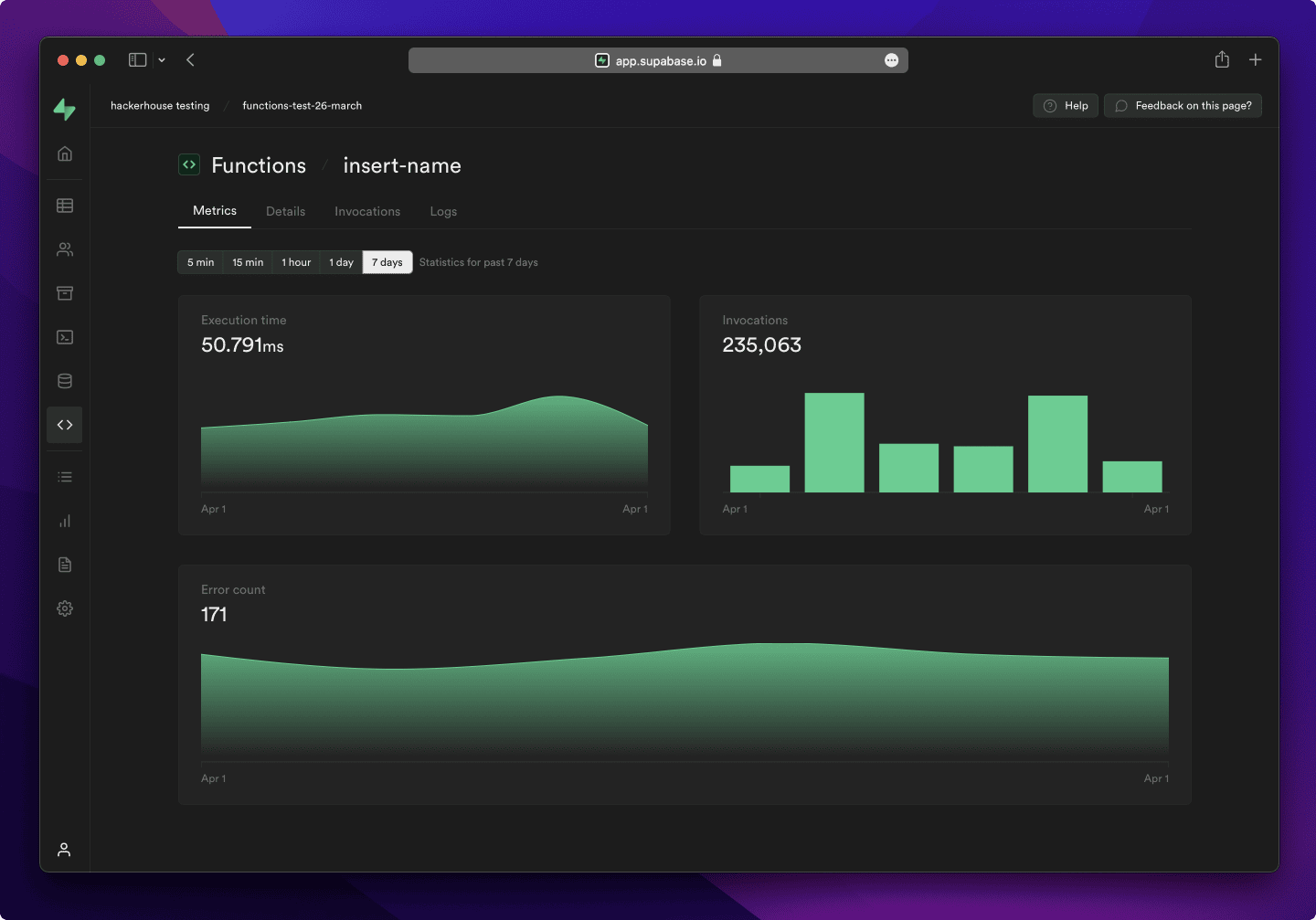
- Functions.
- File Storage. Docs
- AI + Vector/Embeddings Toolkit. Docs
- Dashboard
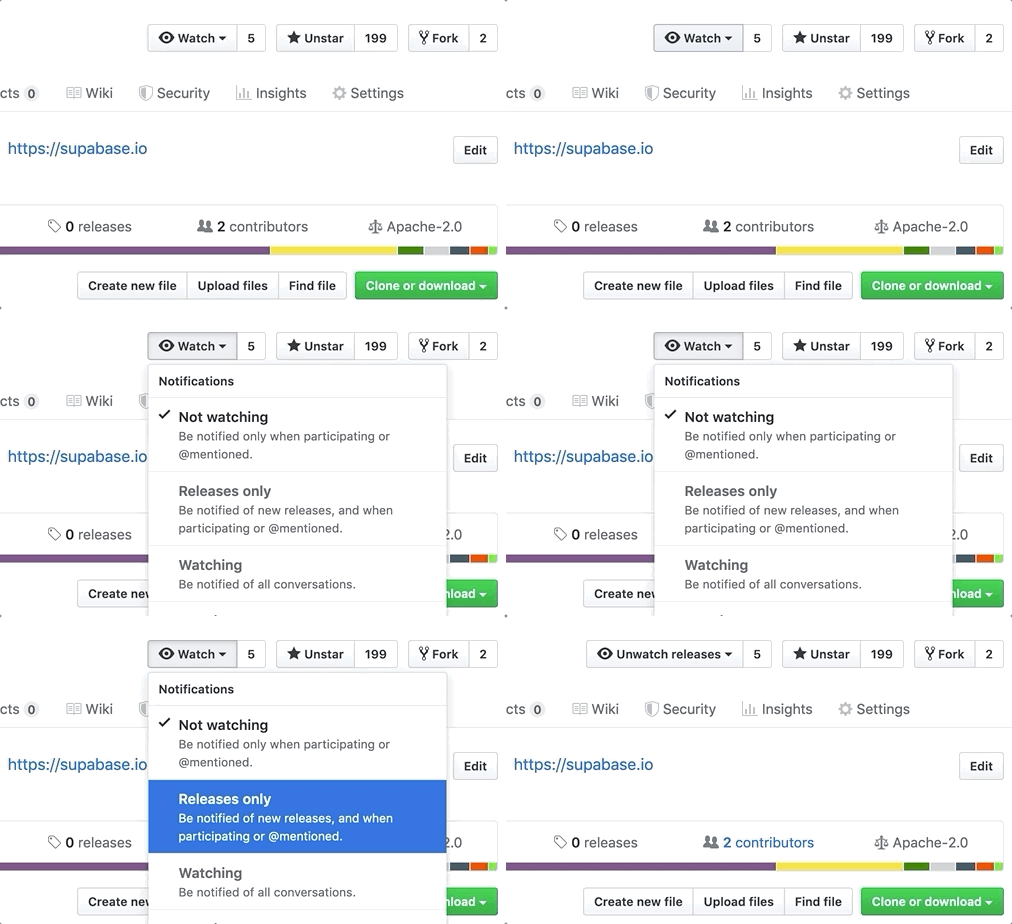
Watch "releases" of this repo to get notified of major updates.
Documentation
For full documentation, visit supabase.com/docs
To see how to Contribute, visit Getting Started
Community & Support
- Community Forum. Best for: help with building, discussion about database best practices.
- GitHub Issues. Best for: bugs and errors you encounter using Supabase.
- Email Support. Best for: problems with your database or infrastructure.
- Discord. Best for: sharing your applications and hanging out with the community.
How it works
Supabase is a combination of open source tools. We’re building the features of Firebase using enterprise-grade, open source products. If the tools and communities exist, with an MIT, Apache 2, or equivalent open license, we will use and support that tool. If the tool doesn't exist, we build and open source it ourselves. Supabase is not a 1-to-1 mapping of Firebase. Our aim is to give developers a Firebase-like developer experience using open source tools.
Architecture
Supabase is a hosted platform. You can sign up and start using Supabase without installing anything. You can also self-host and develop locally.

- Postgres is an object-relational database system with over 30 years of active development that has earned it a strong reputation for reliability, feature robustness, and performance.
- Realtime is an Elixir server that allows you to listen to PostgreSQL inserts, updates, and deletes using websockets. Realtime polls Postgres' built-in replication functionality for database changes, converts changes to JSON, then broadcasts the JSON over websockets to authorized clients.
- PostgREST is a web server that turns your PostgreSQL database directly into a RESTful API.
- GoTrue is a JWT-based authentication API that simplifies user sign-ups, logins, and session management in your applications.
- Storage a RESTful API for managing files in S3, with Postgres handling permissions.
- pg_graphql a PostgreSQL extension that exposes a GraphQL API.
- postgres-meta is a RESTful API for managing your Postgres, allowing you to fetch tables, add roles, and run queries, etc.
- Envoy is a cloud-native, high-performance edge and service proxy.
Client libraries
Our approach for client libraries is modular. Each sub-library is a standalone implementation for a single external system. This is one of the ways we support existing tools.
| Language | Client | Feature-Clients (bundled in Supabase client) | ||||
|---|---|---|---|---|---|---|
| Supabase | PostgREST | GoTrue | Realtime | Storage | Functions | |
| ⚡️ Official ⚡️ | ||||||
| JavaScript (TypeScript) | supabase-js | postgrest-js | auth-js | realtime-js | storage-js | functions-js |
| Flutter | supabase-flutter | postgrest | supabase_auth | supabase_realtime | supabase_storage | supabase_functions |
| Swift | supabase-swift | postgrest-swift | auth-swift | realtime-swift | storage-swift | functions-swift |
| Python | supabase-py | postgrest-py | gotrue-py | realtime-py | storage-py | functions-py |
| 💚 Community 💚 | ||||||
| C# | supabase-csharp | postgrest-csharp | gotrue-csharp | realtime-csharp | storage-csharp | functions-csharp |
| Go | - | postgrest-go | gotrue-go | - | storage-go | functions-go |
| Java | - | - | gotrue-java | - | storage-java | - |
| Kotlin | supabase-kt | postgrest-kt | auth-kt | realtime-kt | storage-kt | functions-kt |
| Ruby | supabase-rb | postgrest-rb | - | - | - | - |
| Rust | - | postgrest-rs | - | - | - | - |
| Godot Engine (GDScript) | supabase-gdscript | - | - | - | - | - |
Badges

[](https://supabase.com)
<a href="https://supabase.com">
  <img
    width="168"
    height="30"
    src="https://supabase.com/badge-made-with-supabase.svg"
    alt="Made with Supabase"
  />
</a>

[](https://supabase.com)
<a href="https://supabase.com">
  <img
    width="168"
    height="30"
    src="https://supabase.com/badge-made-with-supabase-dark.svg"
    alt="Made with Supabase"
  />
</a>
Translations
- Arabic | العربية
- Albanian / Shqip
- Bangla / বাংলা
- Bulgarian / Български
- Catalan / Català
- Croatian / Hrvatski
- Czech / čeština
- Danish / Dansk
- Dutch / Nederlands
- English
- Estonian / eesti keel
- Finnish / Suomalainen
- French / Français
- German / Deutsch
- Greek / Ελληνικά
- Gujarati / ગુજરાતી
- Hebrew / עברית
- Hindi / हिंदी
- Hungarian / Magyar
- Nepali / नेपाली
- Indonesian / Bahasa Indonesia
- Italiano / Italian
- Japanese / 日本語
- Korean / 한국어
- Lithuanian / lietuvių
- Latvian / latviski
- Malay / Bahasa Malaysia
- Norwegian (Bokmål) / Norsk (Bokmål)
- Persian / فارسی
- Polish / Polski
- Portuguese / Português
- Portuguese (Brazilian) / Português Brasileiro
- Romanian / Română
- Russian / Pусский
- Serbian / Srpski
- Sinhala / සිංහල
- Slovak / slovenský
- Slovenian / Slovenščina
- Spanish / Español
- Simplified Chinese / 简体中文
- Swedish / Svenska
- Thai / ไทย
- Traditional Chinese / 繁體中文
- Turkish / Türkçe
- Ukrainian / Українська
- Vietnamese / Tiếng Việt
- List of translations