 19d7233580
## I have read the
[CONTRIBUTING.md](https://github.com/supabase/supabase/blob/master/CONTRIBUTING.md)
file.

YES

## What kind of change does this PR introduce?

Feature — a new UI Library block. Stacked on #49573 (already in main)

Fixes AI-1064

## What is the new behavior?

Adds `headless-app-tanstack`: customers sign in, authorize an MCP
client, and use the product through agent tool calls. It composes the
existing Password-Based Auth, OAuth Consent, and MCP Server blocks.

- `/agents` provides a copyable connection prompt, lists OAuth
authorizations, and lets customers revoke access.
- The shared MCP runtime exposes `whoami` plus example task CRUD tools.
Tools use the caller's Supabase client, with database grants and RLS
enforcing ownership.
- A root-level `supabase/` directory supplies local Auth/OAuth
configuration, a declarative tasks schema, and Edge Function files,
including `.env.example`.
- Docs cover local setup, signing keys, migrations, environment
configuration, deployment, and extending the tools.
`/example/headless-app` previews the sign-in, consent, connect, and
connected states.

Shared block fixes make a fresh install work:

- Explicit public URL resolution fixes OAuth discovery in local Edge
Runtime when middleware runtime detection fails. Both external OAuth
access tokens and ordinary authenticated app session tokens remain
supported; embedded agents do not need an additional consent flow.
- Registry targets keep backend files outside `src/`, and generated
consumer routes omit source-only TypeScript suppressions.
- Signup respects `auth.email.enable_confirmations`; sign-in/signup
preserve the return destination. Missing consent IDs retain the existing
error state without serializing `null` into the URL.

## How to test

Use the UI Library on **staging** and follow the block pages'
instructions.

1. Open the **Headless App** block page for TanStack Start. Install it
into a fresh app and follow the setup instructions through connecting an
MCP client.
2. Sign up, open `/agents`, and use the connection prompt to authorize a
client. Call `whoami`, then create, list, update, and delete a task.
3. Confirm the client appears on `/agents`. Revoke access and verify it
disappears and token refresh fails. An existing access token can
continue working until it expires.
4. Follow the **MCP Server** block page's embedded-agent instructions
using an authenticated app session. Confirm tools work without another
OAuth consent flow and `whoami` returns `client_id: null`.
5. With a second user, confirm each user can only access their own
tasks. Check that signup behaves correctly for the configured
email-confirmation setting.
6. Check the Headless App preview states and run the installed app's
typecheck and production build.

## Validation performed

Fresh local installation and browser/SDK verification passed: 26 live
MCP/Data API checks, 10 Deno tests, and 7 connection-page component
tests. Also passed UI Library typecheck, targeted lint,
registry/Markdown builds, and fresh consumer typecheck/production build.
Both OAuth and ordinary app session authentication were exercised.

Hosted deployment and consuming the confirmation-email link were not
tested.


<!-- This is an auto-generated comment: release notes by coderabbit.ai
-->
## Summary by CodeRabbit

- **New Features**
- Added a TanStack Headless App example with sign-in, OAuth consent, MCP
connection, and connected-agent screens.
- Added task management tools for listing, creating, updating, and
deleting tasks through MCP.
- Added connected-agent management, including server URL and prompt
copying, refresh, and access revocation.
  - Added a new Headless App registry block and documentation.

- **Bug Fixes**
- Preserved intended destinations through sign-up, email confirmation,
and protected-route login redirects.
- Improved OAuth discovery URL handling across forwarded-host
deployments.

- **Documentation**
- Updated setup, environment, deployment, and Supabase CLI guidance for
headless apps and MCP servers.
<!-- end of auto-generated comment: release notes by coderabbit.ai -->

---------

Co-authored-by: Cursor Agent <cursoragent@cursor.com>
Co-authored-by: Saxon Fletcher <SaxonF@users.noreply.github.com>
Co-authored-by: Claude Opus 5 <noreply@anthropic.com>
Co-authored-by: repro <repro@local>
Co-authored-by: Raúl Barroso <code@raulb.dev>


Supabase
Supabase is the Postgres development platform. We're building the features of Firebase using enterprise-grade open source tools.
- Hosted Postgres Database. Docs
- Authentication and Authorization. Docs
- Auto-generated APIs.
- Functions.
- File Storage. Docs
- AI + Vector/Embeddings Toolkit. Docs
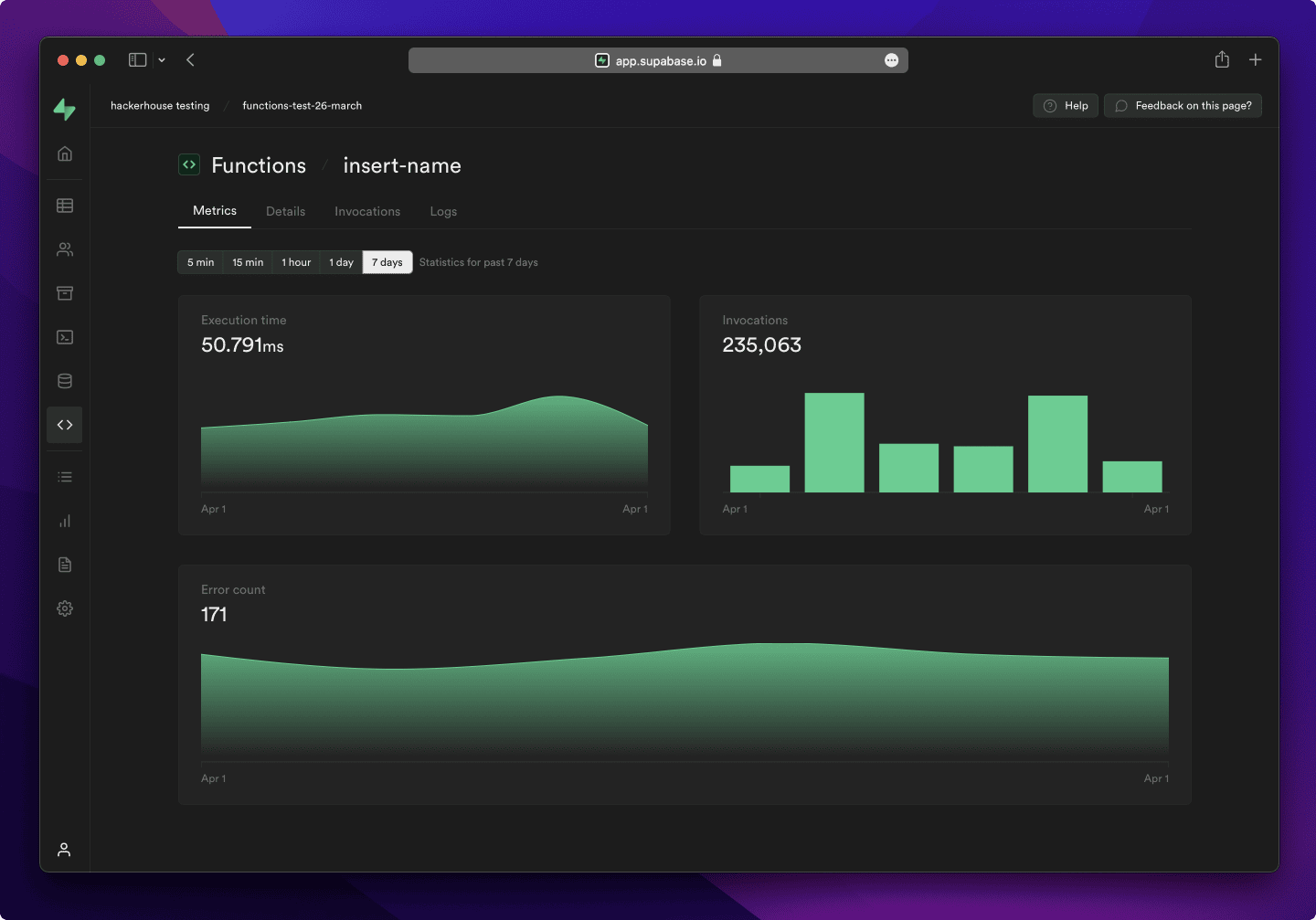
- Dashboard
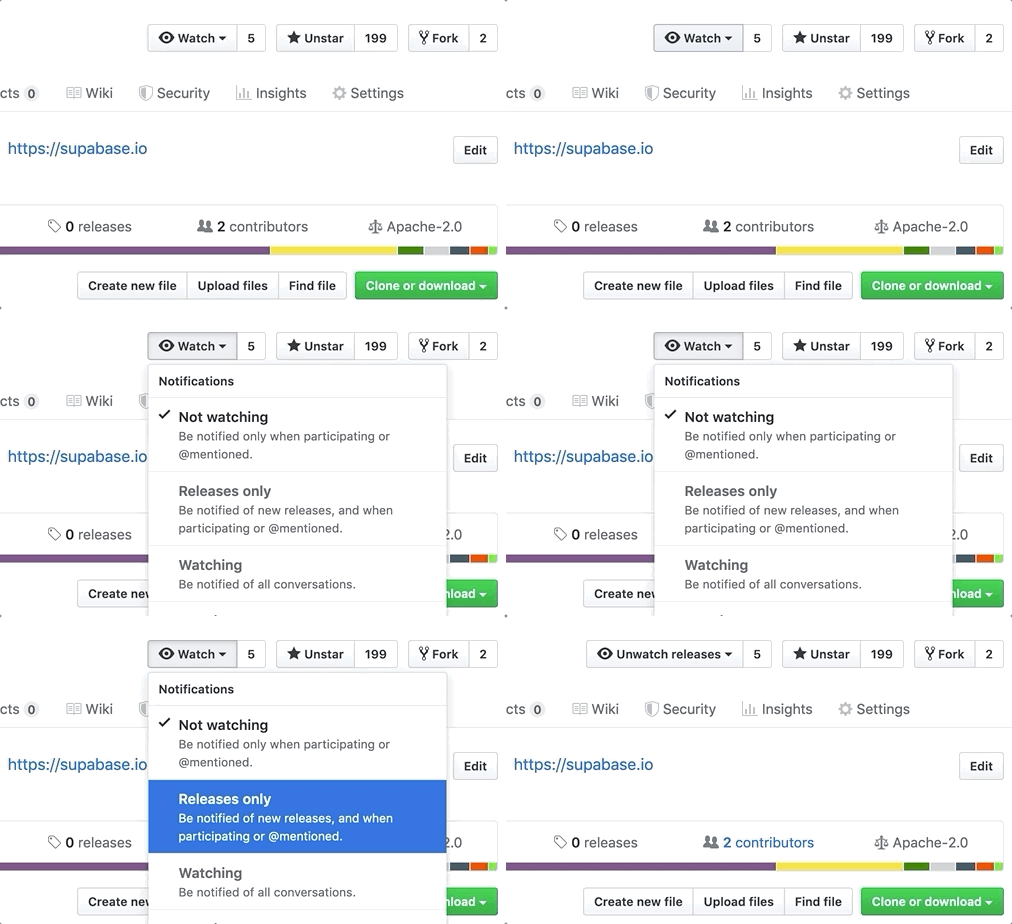
Watch "releases" of this repo to get notified of major updates.
Documentation
For full documentation, visit supabase.com/docs
To see how to Contribute, visit Getting Started
Community & Support
- Community Forum. Best for: help with building, discussion about database best practices.
- GitHub Issues. Best for: bugs and errors you encounter using Supabase.
- Email Support. Best for: problems with your database or infrastructure.
- Discord. Best for: sharing your applications and hanging out with the community.
How it works
Supabase is a combination of open source tools. We’re building the features of Firebase using enterprise-grade, open source products. If the tools and communities exist, with an MIT, Apache 2, or equivalent open license, we will use and support that tool. If the tool doesn't exist, we build and open source it ourselves. Supabase is not a 1-to-1 mapping of Firebase. Our aim is to give developers a Firebase-like developer experience using open source tools.
Architecture
Supabase is a hosted platform. You can sign up and start using Supabase without installing anything. You can also self-host and develop locally.

- Postgres is an object-relational database system with over 30 years of active development that has earned it a strong reputation for reliability, feature robustness, and performance.
- Realtime is an Elixir server that allows you to listen to PostgreSQL inserts, updates, and deletes using websockets. Realtime polls Postgres' built-in replication functionality for database changes, converts changes to JSON, then broadcasts the JSON over websockets to authorized clients.
- PostgREST is a web server that turns your PostgreSQL database directly into a RESTful API.
- GoTrue is a JWT-based authentication API that simplifies user sign-ups, logins, and session management in your applications.
- Storage a RESTful API for managing files in S3, with Postgres handling permissions.
- pg_graphql a PostgreSQL extension that exposes a GraphQL API.
- postgres-meta is a RESTful API for managing your Postgres, allowing you to fetch tables, add roles, and run queries, etc.
- Envoy is a cloud-native, high-performance edge and service proxy.
Client libraries
Our approach for client libraries is modular. Each sub-library is a standalone implementation for a single external system. This is one of the ways we support existing tools.
| Language | Client | Feature-Clients (bundled in Supabase client) | ||||
|---|---|---|---|---|---|---|
| Supabase | PostgREST | GoTrue | Realtime | Storage | Functions | |
| ⚡️ Official ⚡️ | ||||||
| JavaScript (TypeScript) | supabase-js | postgrest-js | auth-js | realtime-js | storage-js | functions-js |
| Flutter | supabase-flutter | postgrest | supabase_auth | supabase_realtime | supabase_storage | supabase_functions |
| Swift | supabase-swift | postgrest-swift | auth-swift | realtime-swift | storage-swift | functions-swift |
| Python | supabase-py | postgrest-py | gotrue-py | realtime-py | storage-py | functions-py |
| 💚 Community 💚 | ||||||
| C# | supabase-csharp | postgrest-csharp | gotrue-csharp | realtime-csharp | storage-csharp | functions-csharp |
| Go | - | postgrest-go | gotrue-go | - | storage-go | functions-go |
| Java | - | - | gotrue-java | - | storage-java | - |
| Kotlin | supabase-kt | postgrest-kt | auth-kt | realtime-kt | storage-kt | functions-kt |
| Ruby | supabase-rb | postgrest-rb | - | - | - | - |
| Rust | - | postgrest-rs | - | - | - | - |
| Godot Engine (GDScript) | supabase-gdscript | - | - | - | - | - |
Badges

[](https://supabase.com)
<a href="https://supabase.com">
  <img
    width="168"
    height="30"
    src="https://supabase.com/badge-made-with-supabase.svg"
    alt="Made with Supabase"
  />
</a>

[](https://supabase.com)
<a href="https://supabase.com">
  <img
    width="168"
    height="30"
    src="https://supabase.com/badge-made-with-supabase-dark.svg"
    alt="Made with Supabase"
  />
</a>
Translations
- Arabic | العربية
- Albanian / Shqip
- Bangla / বাংলা
- Bulgarian / Български
- Catalan / Català
- Croatian / Hrvatski
- Czech / čeština
- Danish / Dansk
- Dutch / Nederlands
- English
- Estonian / eesti keel
- Finnish / Suomalainen
- French / Français
- German / Deutsch
- Greek / Ελληνικά
- Gujarati / ગુજરાતી
- Hebrew / עברית
- Hindi / हिंदी
- Hungarian / Magyar
- Nepali / नेपाली
- Indonesian / Bahasa Indonesia
- Italiano / Italian
- Japanese / 日本語
- Korean / 한국어
- Lithuanian / lietuvių
- Latvian / latviski
- Malay / Bahasa Malaysia
- Norwegian (Bokmål) / Norsk (Bokmål)
- Persian / فارسی
- Polish / Polski
- Portuguese / Português
- Portuguese (Brazilian) / Português Brasileiro
- Romanian / Română
- Russian / Pусский
- Serbian / Srpski
- Sinhala / සිංහල
- Slovak / slovenský
- Slovenian / Slovenščina
- Spanish / Español
- Simplified Chinese / 简体中文
- Swedish / Svenska
- Thai / ไทย
- Traditional Chinese / 繁體中文
- Turkish / Türkçe
- Ukrainian / Українська
- Vietnamese / Tiếng Việt
- List of translations