mirror of
https://github.com/supabase/supabase.git
synced 2026-10-05 17:35:10 +03:00
 Nik RichersandNik Richers
c2ebfebb39
Nik RichersandNik Richers
c2ebfebb39
## I have read the [CONTRIBUTING.md](https://github.com/supabase/supabase/blob/master/CONTRIBUTING.md) file. YES ## What kind of change does this PR introduce? This restores the "Troubleshooting" quick link to the docs top navigation. It was dropped from the "Manage" dropdown as a side effect of a broader information-architecture rework, and this PR re-adds it under the "Resources" dropdown instead, since the underlying troubleshooting guide page was never removed, only its top-nav shortcut. ## What is the current behavior? The "Troubleshooting" entry was removed from the "Manage" dropdown in the top nav during a prior IA restructuring commit. The `/guides/troubleshooting` page itself still exists and is still linked from within the Monitoring & Debugging sidebar, but there is no longer a top-level nav shortcut to it. Note that we might need to make some additional updates as our observability docs changes wrap up. ## What is the new behavior? - Adds a "Troubleshooting" item (with its existing icon) to the end of the "Resources" dropdown, after Glossary, Changelog, Status, and Contributing. - Links to the existing `/guides/troubleshooting` route. - No changes to the "Manage" dropdown or any other nav group. ## Additional context **Verification:** | Check | Result | | --- | --- | | `pnpm typecheck --filter=docs` | pass | | `pnpm lint --filter=docs` | pre-existing 1138 warnings/errors unrelated to this file; edited file has zero lint issues (lint is not hard-gated for docs) | | Manual check: dev server, opened "Resources" dropdown | Troubleshooting appears with icon, links to `/guides/troubleshooting` (200) | | Manual check: "Manage" dropdown unchanged | confirmed | | Manual check: mobile nav (shares same config) | confirmed same entry renders | ### Proof: Screenshots of the "Resources" dropdown, before and after this change: | [Before (production)](https://supabase.com/docs/guides/getting-started) | [After (PR preview)](https://docs-git-docs-restore-troubleshooting-nav-resources-supabase.vercel.app/docs/guides/getting-started) | | --- | --- | | 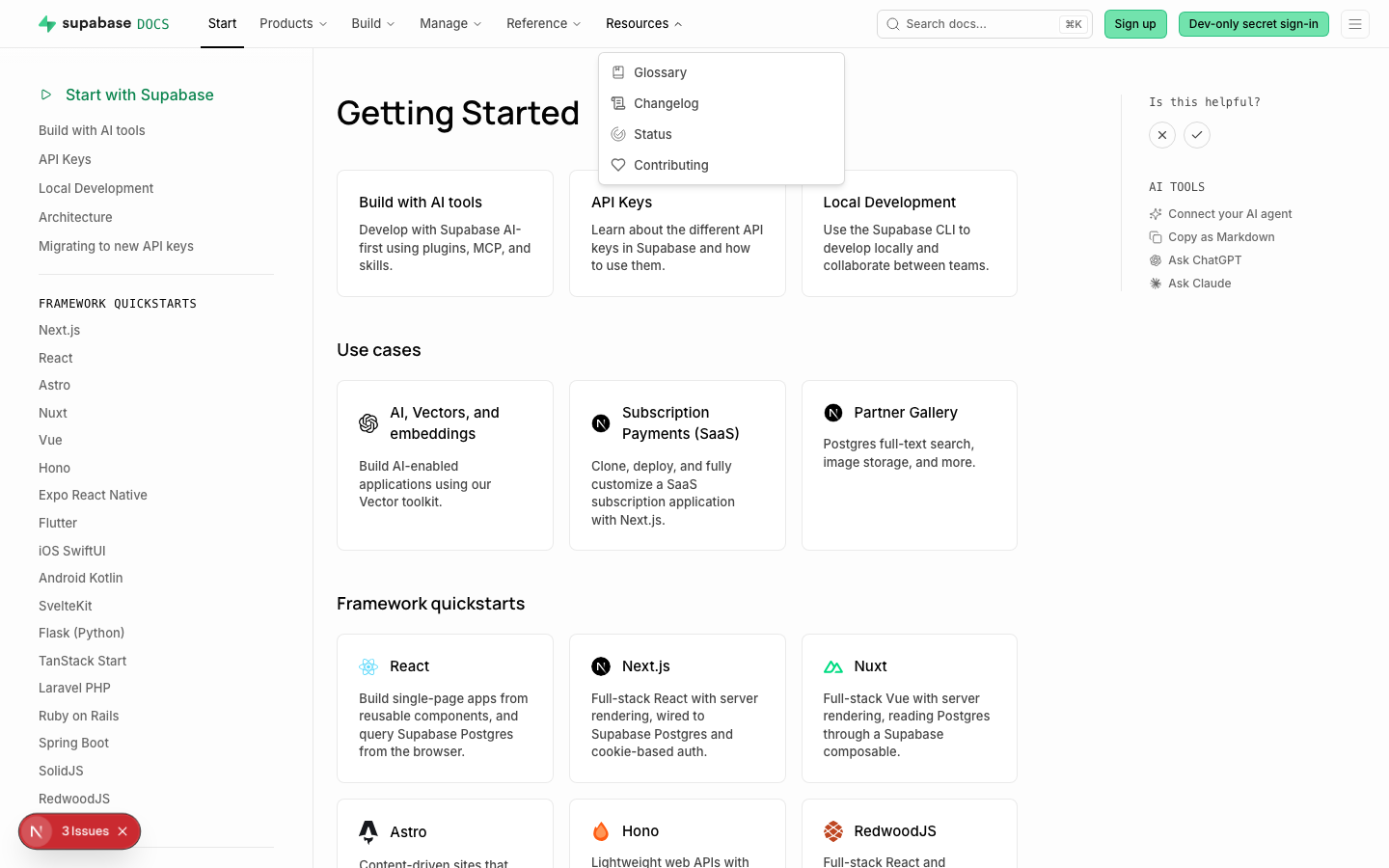 | 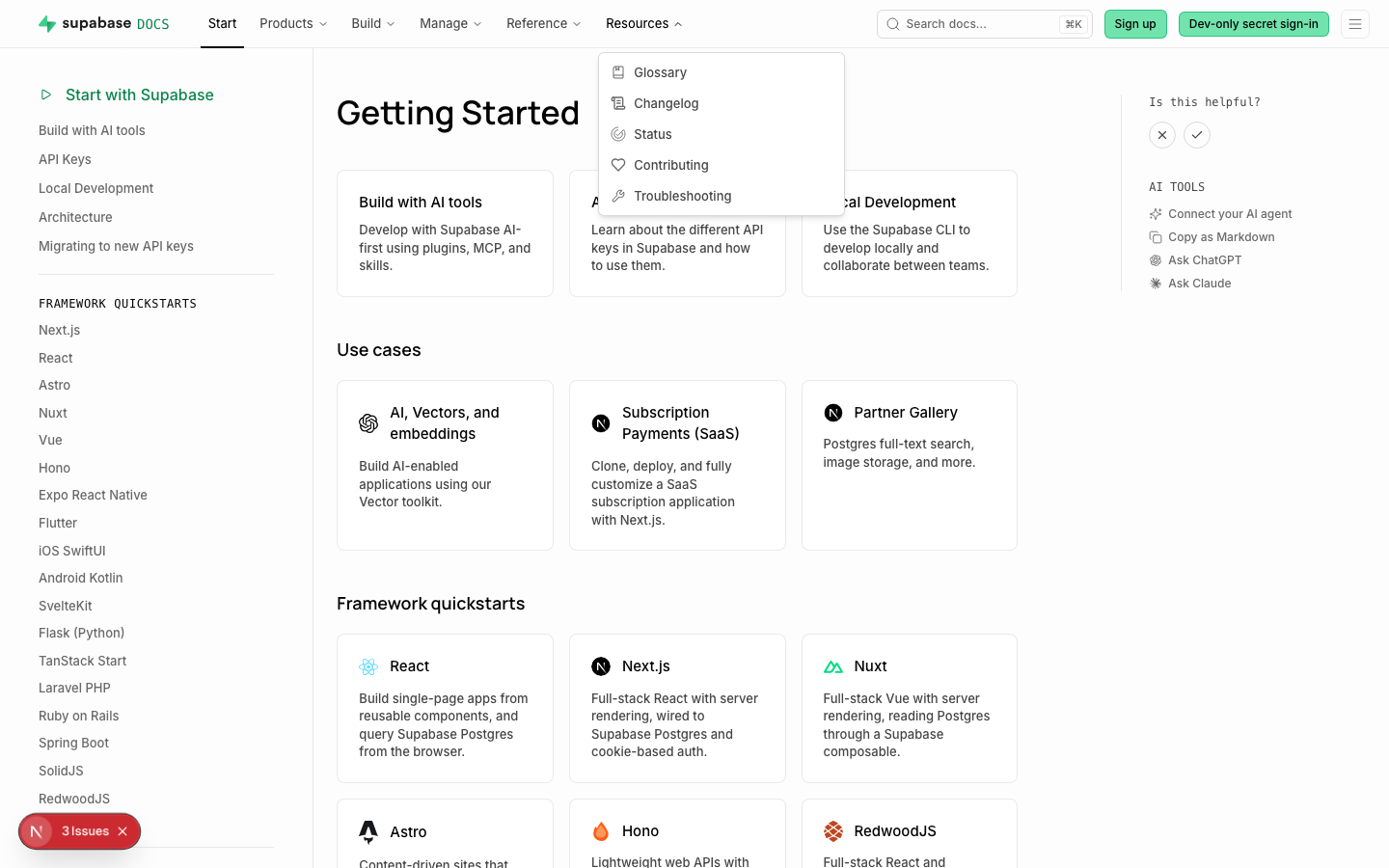 | ### Test plan - [ ] Open the "Resources" dropdown in the top nav and confirm "Troubleshooting" appears after "Contributing" - [ ] Click "Troubleshooting" and confirm it navigates to `/guides/troubleshooting` - [ ] Confirm the "Manage" dropdown is unchanged - [ ] Check the mobile nav shows the same entry under "Resources" Co-authored-by: Nik Richers <nik@validmind.ai>


Reference Docs
Supabase Reference Docs
Maintainers
If you are a maintainer of any tools in the Supabase ecosystem, you can use this site to provide documentation for the tools & libraries that you maintain.
DocSpec
We use documentation specifications which can be used to generate human-readable docs.
- OpenAPI: for documenting API endpoints.
- SDKSpec (custom to Supabase): for SDKs and client libraries.
- ConfigSpec (custom to Supabase): for configuration options.
- CLISpec (custom to Supabase): for CLI commands and usage.
The benefit of using custom specifications is that we can generate many other types from a strict schema (eg, HTML and manpages). It also means that we can switch to any documentation system we want. On this site we use Next.js, but on Supabase's official website, we use a custom React site and expose only a subset of the available API for each tool.
Contributing
To contribute to docs, see the developers' guide and contributing guide.