 Katerina Skroumpelou
41f9ddd70c
Katerina Skroumpelou
41f9ddd70c
## What

Updates all `setAll` cookie handler implementations across docs and
examples to accept the new `headers` second argument introduced in
`@supabase/ssr` v0.10.0
([supabase/ssr#176](https://github.com/supabase/ssr/pull/176)).

## Why

`@supabase/ssr` v0.10.0 introduced a breaking change: `setAll` now
receives a required second argument `headers: Record<string, string>`
alongside the cookies array. When a token refresh occurs, the library
passes cache headers (`Cache-Control`, `Expires`, `Pragma`) that must be
applied to the HTTP response to prevent CDN caching of auth responses.

Because TypeScript allows functions with fewer parameters to satisfy a
type expecting more, existing `setAll` implementations do not produce a
type error when the second argument is omitted. Users who copy an
outdated snippet will silently miss the CDN protection.

Root cause and context:
[supabase/supabase-js#1682](https://github.com/supabase/supabase-js/issues/1682)

## Changes

**Proxy/middleware contexts** (where token refreshes happen) now apply
the cache headers to their response:
- Next.js proxy files: `supabaseResponse.headers.set(key, value)`
- SvelteKit hooks: `event.setHeaders(headers)`
- Hono middleware: `c.header(key, value)`
- Pages Router (Express-style): `ctx.res.setHeader(key, value)`
- Remix/React Router loaders and actions: applied to response headers
(outer `headers` variable renamed to `responseHeaders` to avoid naming
conflict with the new param)

**Server Component and API route contexts** (no response object
available) accept `_headers` without applying them.

## Files updated

- `apps/docs/content/guides/auth/server-side/creating-a-client.mdx`
(inline Astro, Remix, React Router, Express snippets)
- `apps/docs/content/_partials/oauth_pkce_flow.mdx`
- `apps/docs/content/guides/auth/oauth-server/getting-started.mdx`
- `apps/docs/content/guides/auth/passwords.mdx`
-
`apps/docs/content/troubleshooting/how-to-migrate-from-supabase-auth-helpers-to-ssr-package-5NRunM.mdx`
- `examples/auth/nextjs/`, `examples/auth/nextjs-full/` (proxy + server)
- `examples/auth/sveltekit/`, `examples/auth/sveltekit-full/`
- `examples/auth/hono/`, `examples/auth/hono-full/`
- `examples/user-management/nextjs-user-management/` (proxy + server)
- `examples/user-management/sveltekit-user-management/`
- `examples/realtime/nextjs-authorization-demo/` (proxy + server)
- `examples/realtime/nextjs-auth-presence/` (pages router)
- `examples/prompts/nextjs-supabase-auth.md`
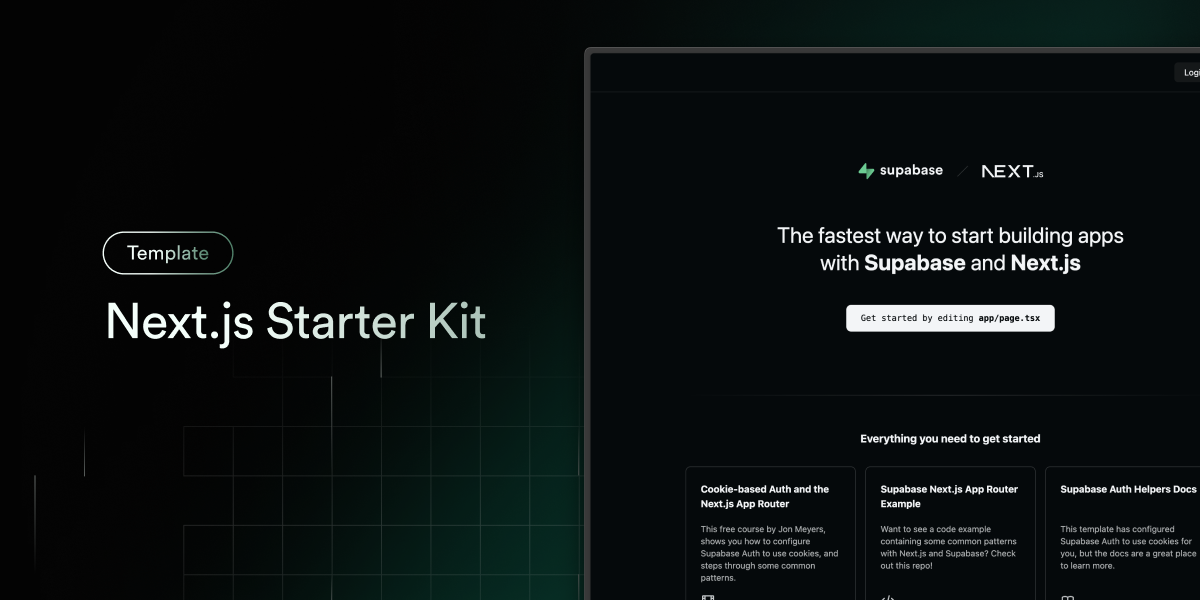
Next.js and Supabase Starter Kit
The fastest way to build apps with Next.js and Supabase
Features · Demo · Deploy to Vercel · Clone and run locally · Feedback and issues More Examples
Features
- Works across the entire Next.js stack
- App Router
- Pages Router
- Proxy
- Client
- Server
- It just works!
- supabase-ssr. A package to configure Supabase Auth to use cookies
- Styling with Tailwind CSS
- Optional deployment with Supabase Vercel Integration and Vercel deploy
- Environment variables automatically assigned to Vercel project
Demo
You can view a fully working demo at demo-nextjs-with-supabase.vercel.app.
Deploy to Vercel
Vercel deployment will guide you through creating a Supabase account and project.
After installation of the Supabase integration, all relevant environment variables will be assigned to the project so the deployment is fully functioning.

The above will also clone the Starter kit to your GitHub, you can clone that locally and develop locally.
If you wish to just develop locally and not deploy to Vercel, follow the steps below.
Clone and run locally
-
You'll first need a Supabase project which can be made via the Supabase dashboard
-
Create a Next.js app using the Supabase Starter template npx command
npx create-next-app -e with-supabase -
Use
cdto change into the app's directorycd name-of-new-app -
Rename
.env.exampleto.env.localand update the following:NEXT_PUBLIC_SUPABASE_URL=[INSERT SUPABASE PROJECT URL] NEXT_PUBLIC_SUPABASE_PUBLISHABLE_KEY=[INSERT SUPABASE PROJECT API ANON KEY]Both
NEXT_PUBLIC_SUPABASE_URLandNEXT_PUBLIC_SUPABASE_PUBLISHABLE_KEYcan be found in your Supabase project's API settings -
You can now run the Next.js local development server:
npm run devThe starter kit should now be running on localhost:3000.
Check out the docs for Local Development to also run Supabase locally.
Feedback and issues
Please file feedback and issues over on the Supabase GitHub org.