 Katerina Skroumpelou
a7563e9fe6
Katerina Skroumpelou
a7563e9fe6
* Use latest 2.x version of `@supabase/supabase-js` in all examples
* Use `latest` version of `@supabase/ssr` in all examples
* Remove lock files from examples
* Add examples lock files in .gitignore

The rationale is:
- Lock files are not actively maintained/updated (or the versions in the
package.json files for that matter)
- They pin an arbitrary version (from the end-user perspective)
- Removes the need to manually update the versions and reinstall
- Consistency

<!-- This is an auto-generated comment: release notes by coderabbit.ai
-->

## Summary by CodeRabbit

## Release Notes

* **Chores**
* Broadened Supabase SDK dependency version constraints across example
projects for greater flexibility with compatible updates
  * Updated some SSR package dependencies to track latest releases
* Added gitignore rules for dependency lock files in example directories

<!-- end of auto-generated comment: release notes by coderabbit.ai -->
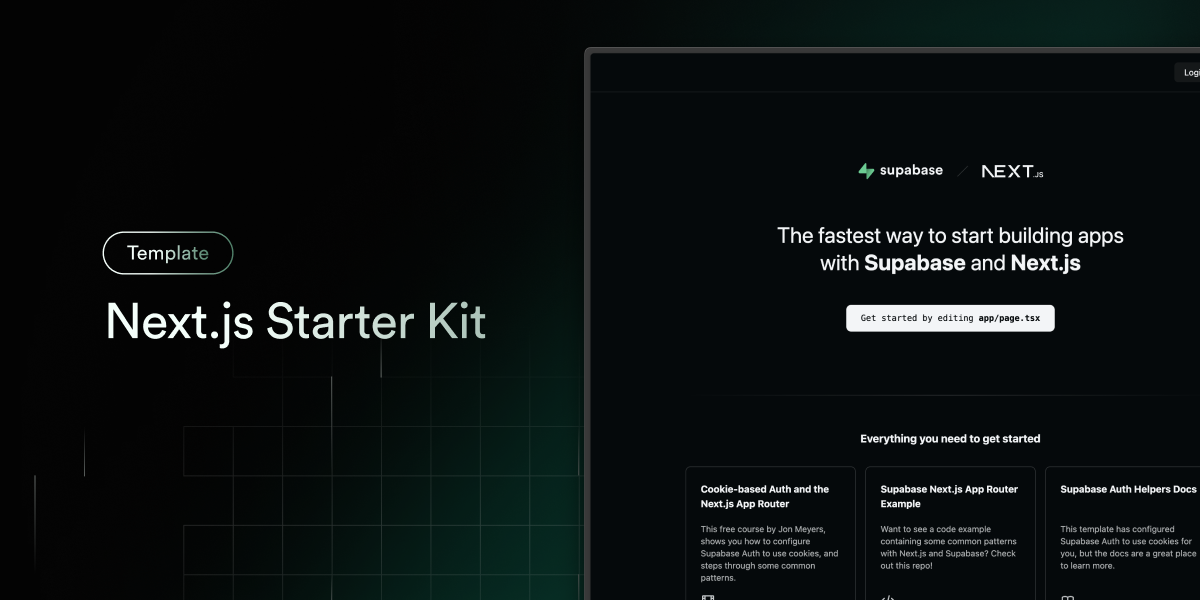
Next.js and Supabase Starter Kit
The fastest way to build apps with Next.js and Supabase
Features · Demo · Deploy to Vercel · Clone and run locally · Feedback and issues More Examples
Features
- Works across the entire Next.js stack
- App Router
- Pages Router
- Proxy
- Client
- Server
- It just works!
- supabase-ssr. A package to configure Supabase Auth to use cookies
- Styling with Tailwind CSS
- Optional deployment with Supabase Vercel Integration and Vercel deploy
- Environment variables automatically assigned to Vercel project
Demo
You can view a fully working demo at demo-nextjs-with-supabase.vercel.app.
Deploy to Vercel
Vercel deployment will guide you through creating a Supabase account and project.
After installation of the Supabase integration, all relevant environment variables will be assigned to the project so the deployment is fully functioning.

The above will also clone the Starter kit to your GitHub, you can clone that locally and develop locally.
If you wish to just develop locally and not deploy to Vercel, follow the steps below.
Clone and run locally
-
You'll first need a Supabase project which can be made via the Supabase dashboard
-
Create a Next.js app using the Supabase Starter template npx command
npx create-next-app -e with-supabase -
Use
cdto change into the app's directorycd name-of-new-app -
Rename
.env.exampleto.env.localand update the following:NEXT_PUBLIC_SUPABASE_URL=[INSERT SUPABASE PROJECT URL] NEXT_PUBLIC_SUPABASE_PUBLISHABLE_KEY=[INSERT SUPABASE PROJECT API ANON KEY]Both
NEXT_PUBLIC_SUPABASE_URLandNEXT_PUBLIC_SUPABASE_PUBLISHABLE_KEYcan be found in your Supabase project's API settings -
You can now run the Next.js local development server:
npm run devThe starter kit should now be running on localhost:3000.
Check out the docs for Local Development to also run Supabase locally.
Feedback and issues
Please file feedback and issues over on the Supabase GitHub org.